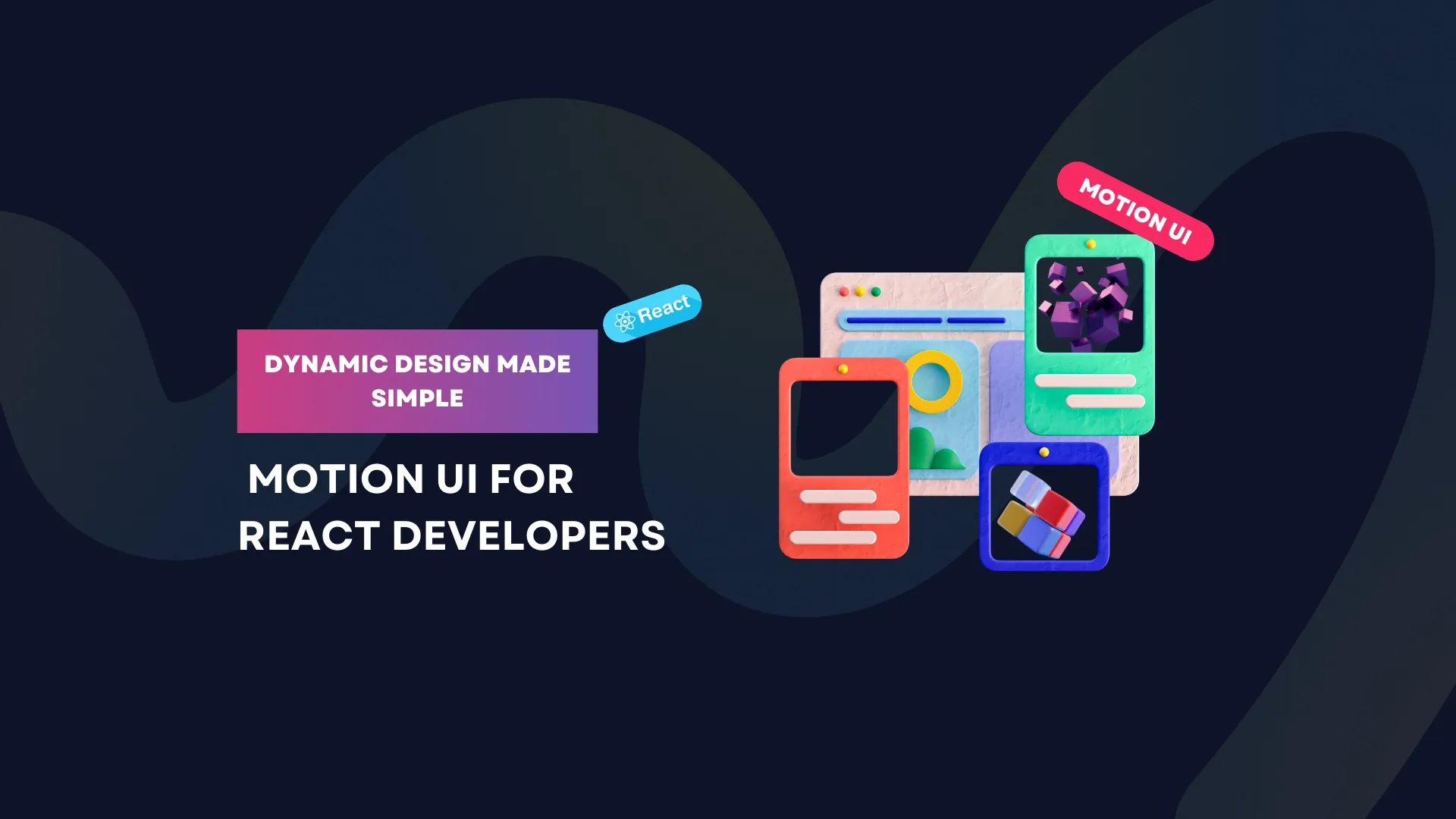
Dynamic Design Made Simple: Motion UI for React Developers
Discover how Motion UI transforms static web interfaces into dynamic, engaging experiences for React developers. Learn about popular libraries like Framer Motion, React Spring, and GSAP, and elevate your app’s design with seamless animations.
Motion UI: Bringing React Apps to Life✨
Remember when web pages were just static blocks of text and images? Those days are long gone. Today, users expect web experiences to be smooth, engaging, and responsive. Motion UI is the secret ingredient that makes this possible. It’s what makes buttons feel interactive, transitions seamless, and user flows intuitive.For React developers, Motion UI isn’t just about adding flair—it’s about improving usability. A well-placed animation can guide users, highlight important elements, and make your app feel more polished and professional. In this blog, we’ll explore why Motion UI is essential, how it enhances user experience, and the best tools to get started.
In this blog, we’ll explore the significance of Motion UI in React development, its impact on user experience, and the tools that make it easier to implement. Whether you’re a seasoned developer or just starting out, this guide will provide you with the knowledge to create captivating, animated interfaces that leave a lasting impression.
Why Motion UI is a Game-Changer🤖
In today’s digital landscape, where user attention is fleeting and competition is fierce, animations and visual effects have become indispensable. Motion UI, the practice of incorporating animations and transitions into user interfaces, has emerged as a powerful tool for React developers. It transforms static components into dynamic, interactive elements, enhancing both usability and aesthetics. By adding smooth transitions and engaging animations, React applications can feel more intuitive, professional, and memorable.
Imagine clicking a button and watching it smoothly morph into a loader while you wait for the next action. Or a modal window sliding gently into view instead of appearing abruptly. These small touches make a huge difference in how an app feels
Beyond their visual appeal, animations serve functional purposes as well. They can guide users through workflows, highlight important changes, or provide visual feedback. For instance, page transitions can indicate navigation progress, while animated error messages can draw attention to required actions. These subtle cues help users understand what’s happening, reducing confusion and frustration.
What is Motion UI ?🎯
Motion UI refers to the strategic use of animations, transitions, and interactive effects to create dynamic user interfaces. For React developers, this is often achieved through libraries like Framer Motion, React Spring, and GSAP, which simplify the process of animating components. These tools allow developers to create animations declaratively, making them easier to implement and maintain.
Motion UI reinforces branding by creating a cohesive and memorable visual style. When implemented thoughtfully, animations convey professionalism and attention to detail, setting your React application apart in a competitive market.
The Benefits of Motion UI in React Applications ✨
Motion UI offers a wide range of benefits that go beyond mere aesthetics. By incorporating animations into your React applications, you can enhance user engagement, improve usability, and create a more polished and professional experience. Animations can guide users’ attention, making it easier for them to navigate through your app and understand its functionality. They can also reduce cognitive load by providing visual cues that simplify complex workflows.
For example, a well-designed animation can draw attention to a call-to-action button, making it more likely that users will click on it. Similarly, animated transitions between pages or sections can create a sense of continuity, making the app feel more cohesive and intuitive. Motion UI also allows you to create interactive elements that respond to user actions, such as buttons that change color when clicked or cards that expand when hovered over. These small touches can make your app feel more dynamic and engaging, keeping users hooked and encouraging them to explore further.
The Best Motion UI Tools for React Developers🛠️
Implementing Motion UI in React doesn’t have to be complicated. Thanks to a variety of specialized libraries, developers can easily add animations to their projects without diving into complex code. Here are some of the most popular tools for creating Motion UI in React:
Framer Motion 🚀 – The Go-To Animation Library
If you’re working with React, Framer Motion is your best friend. It’s a powerful yet beginner-friendly library that allows you to animate components effortlessly. Whether you need hover effects, page transitions, or gesture-based interactions, Framer Motion makes it simple.
One standout feature is variants, which let you define multiple animation states for a component. Want a button to scale when hovered and bounce when clicked? Done. With Framer Motion, adding delightful micro-interactions takes just a few lines of code.
React Spring 🌿 – Physics-Based Animations
Ever noticed how natural some animations feel while others seem robotic? React Spring is designed to create animations that mimic real-world physics. Instead of relying on fixed durations, React Spring uses properties like tension and friction, so animations respond dynamically.
It’s perfect for animating elements like lists, charts, or multi-step transitions. If you want a list where items slide in one by one, or a chart that updates fluidly, React Spring is your go-to.
GSAP 🎯 – The Powerhouse of Web Animations
If you need cinematic-level animations, GSAP (GreenSock Animation Platform) is the answer. While not React-specific, GSAP integrates seamlessly and offers the most control over animations.
GSAP is ideal for:
- Complex animation sequences (e.g., a timeline where elements animate in sync).
- SVG animations (great for animated logos, icons, and infographics).
- Scroll-triggered effects (like elements appearing as users scroll down).
For high-performance animations that push creative boundaries, GSAP is unmatched.
Getting Started with Motion UI in React 🛠️
If you’re new to Motion UI, Framer Motion is an excellent place to start. Its intuitive API and robust features make it easy to implement animations without overwhelming complexity. For example, you can create a simple animated button with just a few lines of code:
import { motion } from 'framer-motion';
function AnimatedButton() {
return (
<motion.button
whileHover={{ scale: 1.1 }}
whileTap={{ scale: 0.9 }}
>
Click Me!
</motion.button>
);
This code creates a button that scales up when hovered over and scales down when clicked, creating a delightful interaction that enhances the user experience.
How Zettabyte Can Help You Elevate Your UI🧠
Motion UI is no longer a luxury—it’s a necessity for modern web development. By incorporating animations and transitions into your React applications, you can create dynamic, engaging experiences that captivate users and set your app apart. Whether you choose Framer Motion, React Spring, or GSAP, the right tool can simplify the process and unlock endless creative possibilities.
At Zettabyte, a leading software company specializing in innovative web solutions, we understand the power of Motion UI in transforming user experiences. Our team of expert developers is dedicated to helping you bring your vision to life, crafting high-performance, visually stunning applications that stand out in today’s competitive market.
Ready to take your React apps to the next level? Partner with ZettaByte Technology Incorporation and let us help you create dynamic, engaging interfaces that leave a lasting impression. Start your journey with Motion UI today!

Why Learning to Code is Essential in the Age of AI (And How ZettaByte Empowers You)
As AI reshapes tech, coding remains a critical skill. Discover why human......
As AI reshapes tech, coding remains a critical skill. Discover why human ingenuity thrives alongside AI and how ZettaByte prepares learners for the future.💡💻...
Click/Tap to Read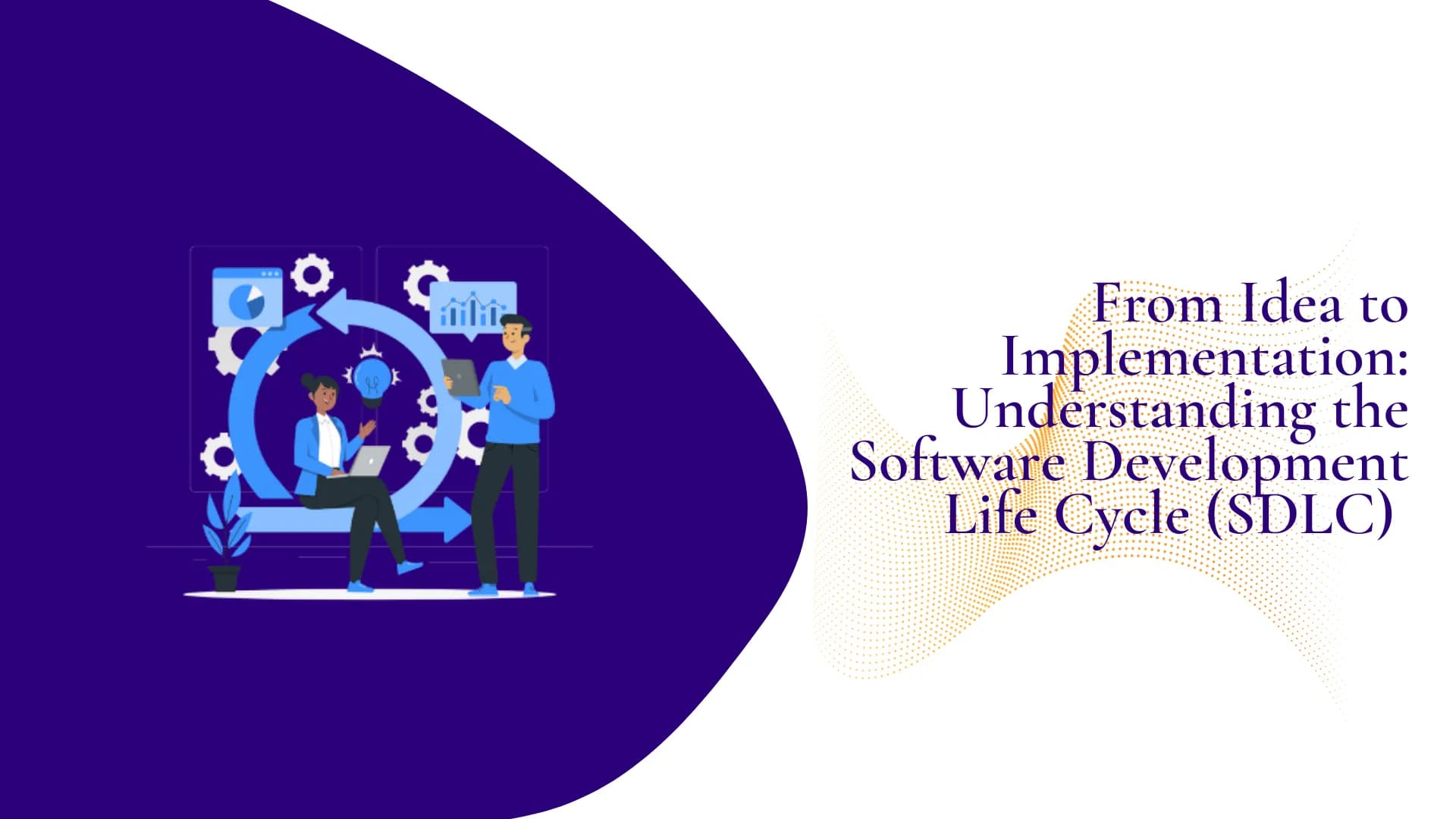
From Idea to Implementation: Understanding the Software Development Life Cycle (SDLC)
Discover the Software Development Life Cycle (SDLC) and how it transforms ideas......
Discover the Software Development Life Cycle (SDLC) and how it transforms ideas into functional software. Learn about planning, design, development, testing, and deployment to ensure project success. 🚀...
Click/Tap to Read
How Customer Data & Machine Learning Can Enhance Customer Experience
Discover how combining customer data with machine learning can revolutionize customer experience.......
Discover how combining customer data with machine learning can revolutionize customer experience. Learn actionable strategies to deliver personalized services, predict customer needs, and boost satisfaction....
Click/Tap to Read
How to Create a Software Development Project Plan: A Step-by-Step Guide
Learn how to create a comprehensive software development project plan to ensure......
Learn how to create a comprehensive software development project plan to ensure success. Discover key steps, tools, and strategies to manage timelines, resources, and risks effectively....
Click/Tap to Read
The Importance of User-Centered Design in Software Development 🎯
Discover the importance of User-Centered Design (UCD) in software development and how......
Discover the importance of User-Centered Design (UCD) in software development and how it drives success. Learn how prioritizing user needs enhances UX, boosts engagement, and delivers competitive advantage....
Click/Tap to Read
Digital Transformation for SMEs: Strategies to Boost Growth & Profitability
Discover how SMEs can leverage digital transformation to enhance efficiency, reduce costs,......
Discover how SMEs can leverage digital transformation to enhance efficiency, reduce costs, and drive sustainable growth. Learn actionable strategies to overcome challenges and thrive in a competitive market. ...
Click/Tap to Read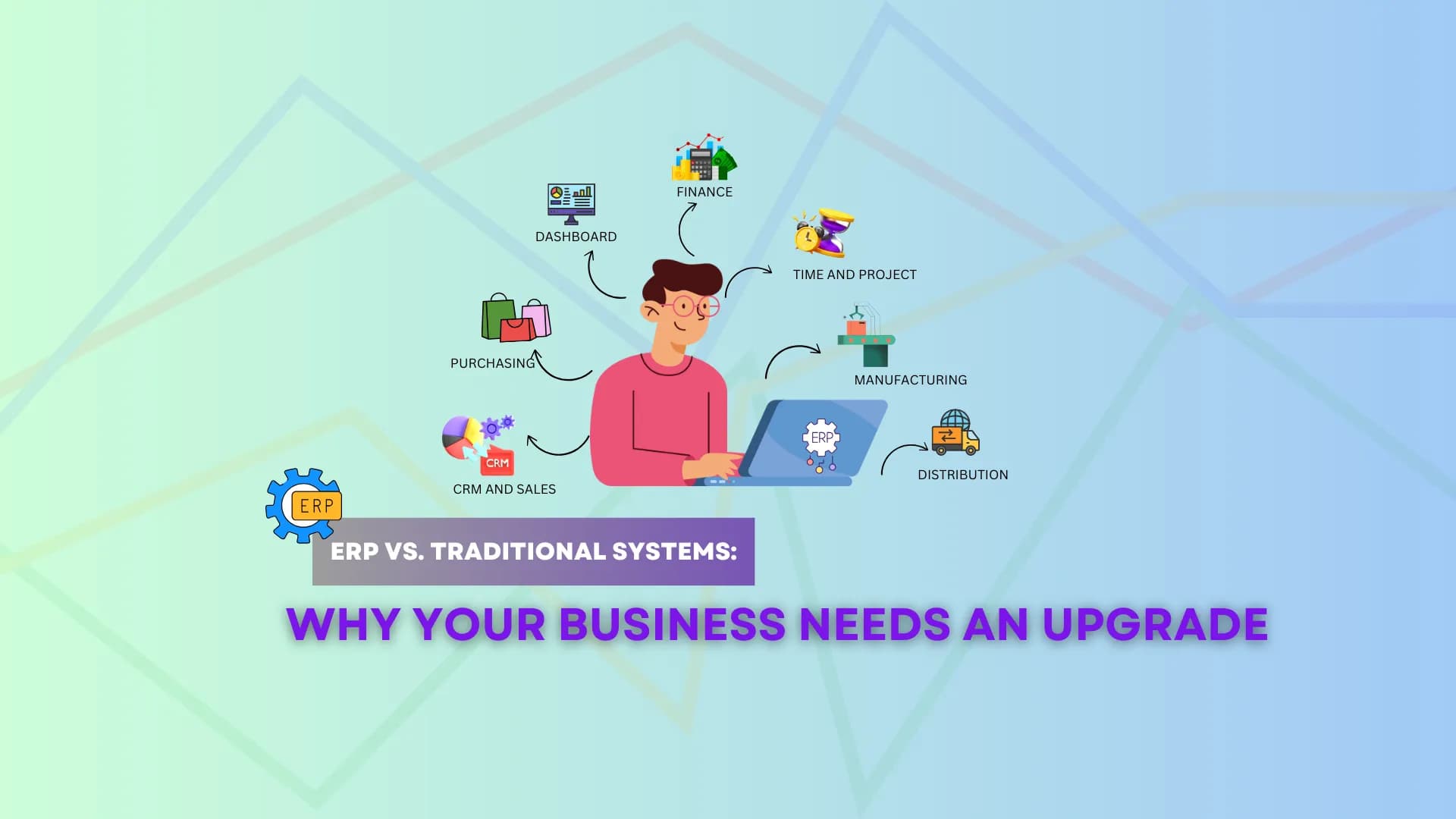
ERP vs. Traditional Systems: Why Your Business Needs an Upgrade
Discover the key differences between ERP and traditional systems, and learn......
Discover the key differences between ERP and traditional systems, and learn why upgrading to an ERP solution can transform your business operations, efficiency, and growth....
Click/Tap to Read
Protect Your Business: How to Create a Cybersecurity Strategy That Works in 2025
Learn how to create a robust cybersecurity strategy for your small......
Learn how to create a robust cybersecurity strategy for your small business. Discover key steps, tools, and best practices to protect your operations, data, and reputation from cyber threats....
Click/Tap to Read
THE FUTURE OF POS TECHNOLOGY: What Your Business Deserves in 2024
Discover how cutting-edge POS technology can revolutionize your business operations. Explore benefits,......
Discover how cutting-edge POS technology can revolutionize your business operations. Explore benefits, key features, and why Zettabyte Incorp is your partner for tailored POS solutions. Innovative POS Technology Is What Your Business Deserves...
Click/Tap to Read
Scaling Customer Success Without Losing the Personal Touch: How Zettabyte Can Help
Discover how AI-powered ERP systems are revolutionizing business operations in 2025. Learn......
Discover how AI-powered ERP systems are revolutionizing business operations in 2025. Learn about their benefits, key features, and how ZettaByte Technology can help you implement cutting-edge ERP solutions for your business....
Click/Tap to Read
Why Choosing the Right Software Development Vendor Matters
Choosing the right software development vendor is crucial for your business success.......
Choosing the right software development vendor is crucial for your business success. Learn the key factors to consider, from experience and tech stack to pricing and communication, and find a reliable partner for your project....
Click/Tap to Read
A Unified Approach to IT Success: Enterprise, Solution, and Technical Explained
What makes IT systems successful? Meet the three key architects—enterprise, solution,......
What makes IT systems successful? Meet the three key architects—enterprise, solution, and technical—who align business goals with technology to drive innovation and efficiency....
Click/Tap to Read
Scaling Customer Success Without Losing the Personal Touch: How Zettabyte Can Help
Learn how Zettabyte enables businesses to scale customer success while maintaining......
Learn how Zettabyte enables businesses to scale customer success while maintaining a personal touch. Explore effective tech-touch strategies that enhance customer engagement and streamline support process...
Click/Tap to Read
Google Search Ranks AI Spam Above Original Reporting: A Growing Concern
Google adjusted its policies to target AI spam earlier this year, but......
Google adjusted its policies to target AI spam earlier this year, but plagiarizing content still comes up higher in search results months later—Discover the growing concern of Google prioritizing AI-generated content over original reporting in search results....
Click/Tap to Read
The Rise of DeepSeek R1: Challenging ChatGPT in Software Development
Among the emerging players, DeepSeek R1 is positioning itself as a strong......
Among the emerging players, DeepSeek R1 is positioning itself as a strong competitor to ChatGPT. Learn how Zettabyte Software Company can leverage AI to enhance productivity, streamline processes, and drive innovation...
Click/Tap to Read
From Chaos to Clarity: How ZettaByte Transforms Your Data into a Strategic Asset
Learn the importance of data management for boosting efficiency, empowering decision-making, and......
Learn the importance of data management for boosting efficiency, empowering decision-making, and ensuring compliance. Explore practical strategies and essential tools to unlock the full potential of your data....
Click/Tap to Read
Navigating Canada’s Immigration Challenges: The Role of Technology in Addressing Economic and Housing Crises
While immigration has long been a cornerstone of Canada’s growth, the current......
While immigration has long been a cornerstone of Canada’s growth, the current situation demands innovative solutions to ensure a balanced and sustainable future. At ZettaByte Technology, we believe that technology can play a pivotal role in addressing these issues. Here’s how we’re leveraging our expertise to make a difference....
Click/Tap to Read